
COMMAND CENTRE
Department overview
A clear view of your department's activity.
The department website is reconnecting. Please try again shortly or contact a staff member for help.
Loading department data…
CIANTIC LAW ENFORCEMENTReady to serve.
Ready to serve.
Built to support.
Everything your command team needs,
connected to your Discord department.

Status refreshes every 15 seconds— serversLog forwarding: checking
Active requests
Pending reviews and approved requests still in progressWorkflow status
Your recordsApplication queue
Your Discord permissions stay in control.
Application decisions and warnings use the same records and delivery process as your bot.
Pending and approved applications count toward the two-unit limit. Rejected applications do not.
Pending requests
Assigned call signs
Needs attention
These assignments are processing or have unfinished actions. Open Manage to see details and retry.
High Command selects the IC rank and call sign. Only the configured police rank roles are replaced.
Restart bot
Restart the bot and its website. Both briefly disconnect. Saved records are kept.
Application panel
Refresh the banner and application buttons in your configured Discord channel.
Clean a chat channel
Delete unpinned messages from a channel. This cannot be undone. Older history takes longer.
Message builder
Send plain or rich messages to a server channel or member. Messages are delivered as your Law Enforcement bot.
Staff need a current department role, the Web Panel role and enabled access. Custom permissions override role defaults. The owner always has full access. This list shows eligibility, not current sessions.
YOUR OFFICER WORKSPACE
Your service. One place.
Stay connected with your department and track your next step.
Your information and requests are private. Staff notes are only visible to authorised staff.
My requests
My Rank Tasks
Progress for your current rank, verified by authorised staff.
My inactivity warnings
Behind the badgeA few moments with our department

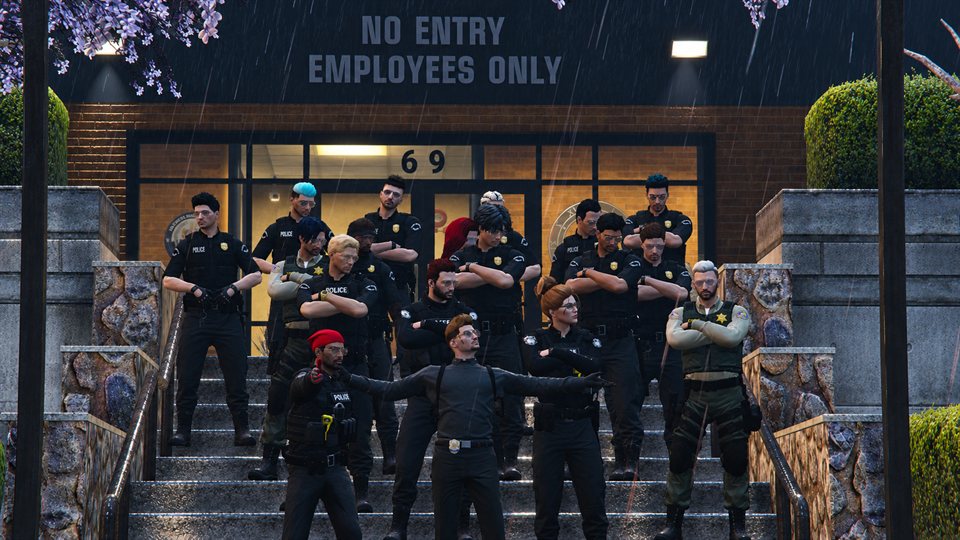
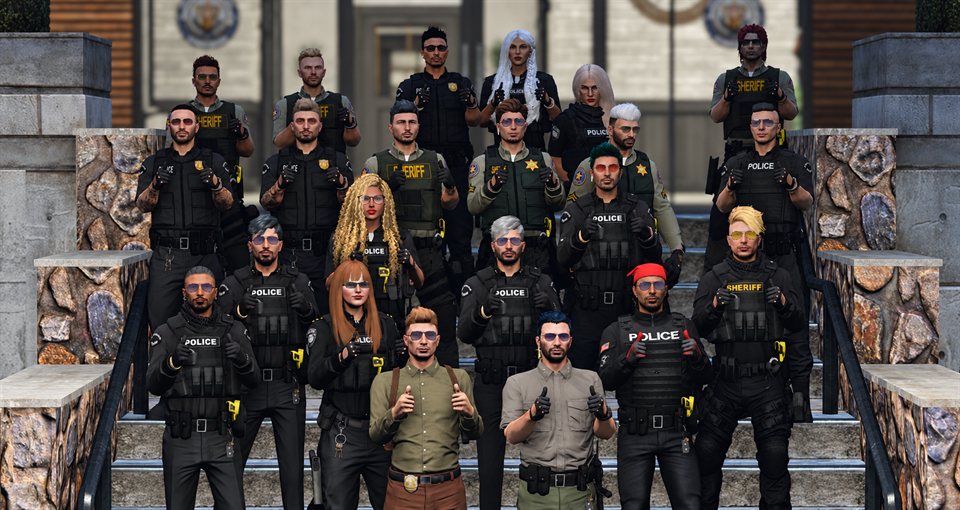
Welcome to Ciantic. Read the Department Manual and confirm below before continuing to your profile.
YOUR DEPARTMENT REFERENCE
DEPARTMENT MANUAL
Department standards, rank structure and operational references. Select a section to read it.
Loading department reference…
No sections match your search. Try another word or code.
Private personnel records. Review dates and reasons before making a decision. All dates use UTC.
Approval schedules removal of configured department roles after the final working date. The confirmation shows the exact policy.
Current PD ranks and department roles identify members. Staff notes and warnings are private to authorised directory users.
Project /
Credentials, private data, logs and links outside the project are protected. This is a file manager, not a terminal.
Updates every five seconds while this page is open. Credentials are redacted. Console viewing does not execute commands.
Owner database manager
Changes affect stored records only. Discord roles and messages stay as they are. A private backup is saved before every change. Audit logs are read-only.
Bot configuration
Update channel IDs, role IDs, application questions and message settings. Keep Discord IDs as quoted strings. Tokens and private credentials are never shown here.